Ultimate Stylized Wood for Blender

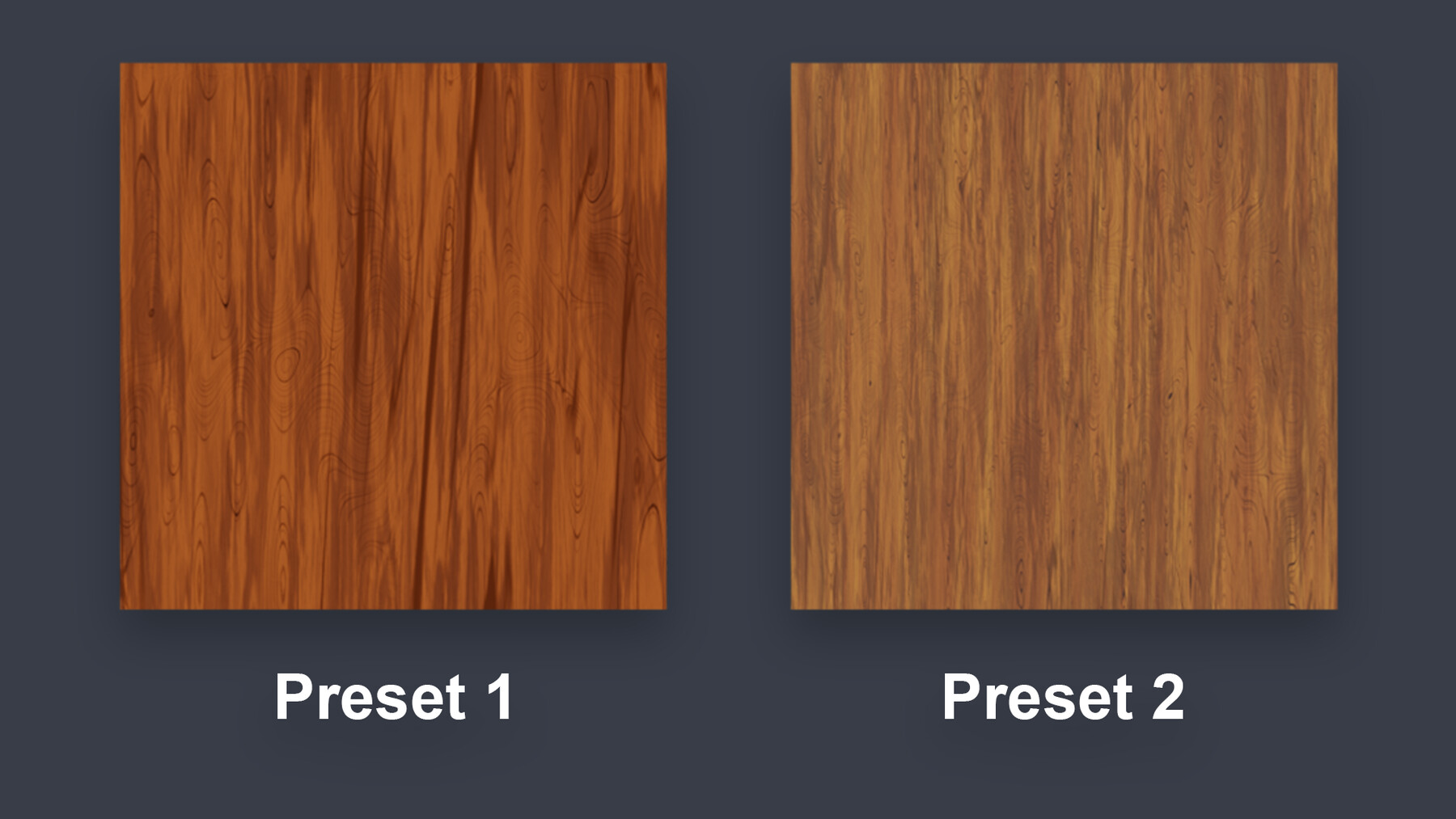


A fully customizable node group for creating PBR Stylized Wood textures, with up to 4 layers!
The .blend file comes with the Ultimate Stylized Wood node group with 4 presets.
See the documentation below for details about the node group.
Enjoy!
DOCUMENTATION
### Node Group Inputs
• Vector
Texture Coordinate (It's set to UV as default)
• Scale
Mapping scale of the texture
• Opacity
The opacity of the layer. 0 to disable and 1 to make it fully visible.
• Seed
The seed of the layer. You can use this to get variations of the same configuration.
• Scale
The scale of the projected texture of that layer.
• Detail
The detail level of the layer.
• Distortion
The distortion of the layer.
• Falloff
The falloff of the layer.
• Contrast
The contrast of the layer. You can use it to make the layer look harder of softer.
• PBR Roughness
It controls how much the layer affects the roughness map.
• PBR Displacement
It controls how much the layer affects the displacement map.
### Node Group Outputs
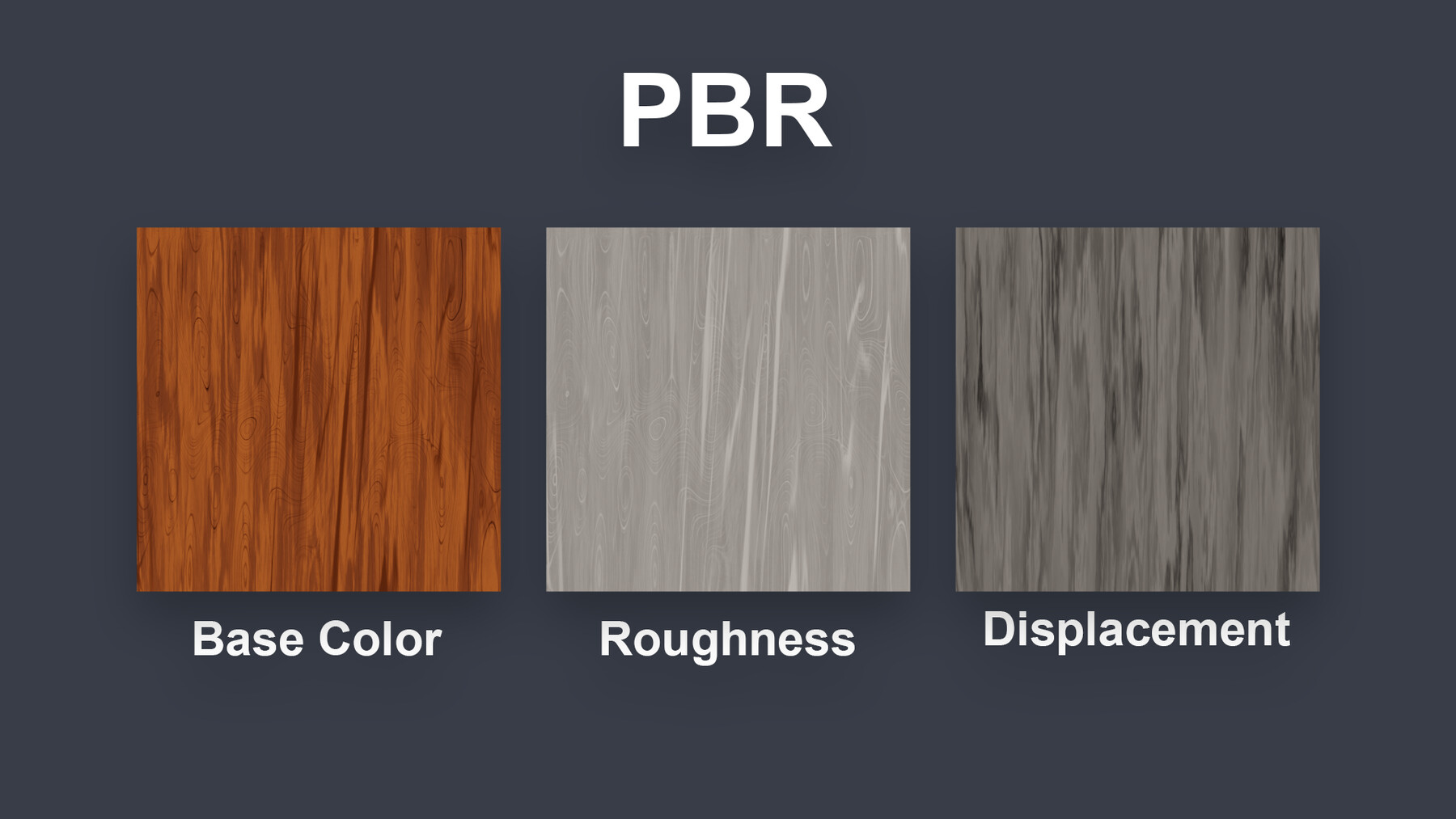
Base Color •
The albedo map.
Roughness •
The roughness map.
Displacement / Height Map •
The displacement or height map. You can use it for bump or displacement.
Pattern •
The Pattern layer texture.
Straight Streaks •
The Straight Streaks layer texture.
Distorted Streaks •
The Distorted Streaks layer texture.
Variation •
The color and shadow Variation layer texture.